Free download
Free Skill: Create and Maintain a Small-Business Website
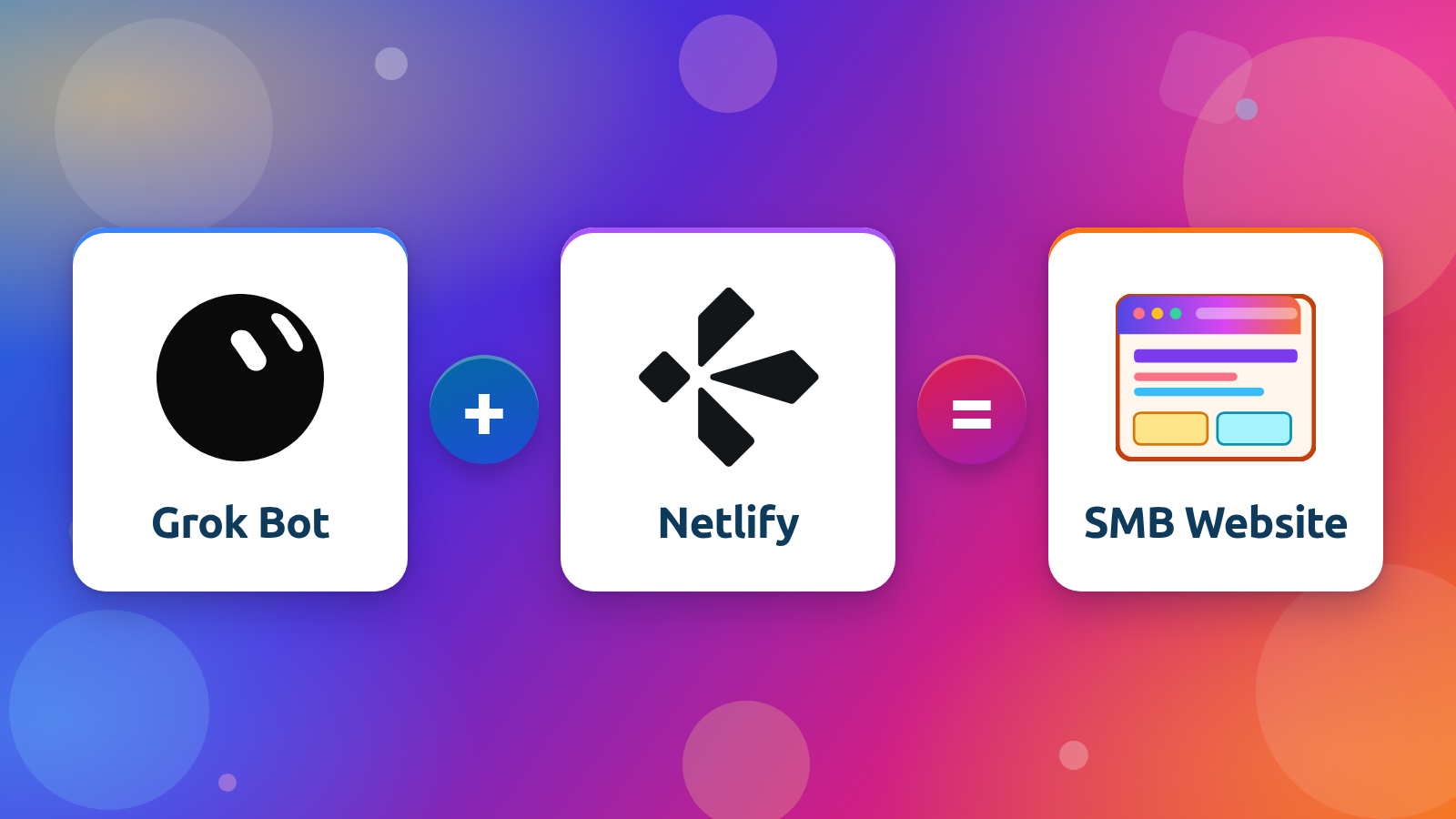
This file is a checklist skill an AI assistant can run when you build, launch, or maintain a small-business static website. It is written for a workflow like Grok Bot plus Netlify, with no GitHub repository or terminal required. The assistant does the technical work, you review a preview before anything goes live, and you get a plain-language report of what passed, what was fixed, and what you need to decide.
What’s inside
- How to use the skill: the assistant does the technical work, you make the business decisions, and every change goes to a preview first.
- Before launch: domain and official address, HTTPS, redirects from an old site, icons, a clear call to action, a contact form, a custom 404 page, and a footer.
- Getting found in Google and AI search: unique titles and meta descriptions, share images, canonical tags, robots.txt, a sitemap, an optional llms.txt, structured data, Search Console and Bing Webmaster Tools, internal links, and Google Business Profile.
- Trust and legal: a privacy policy, terms if the site needs them, cookie consent where required, and a way to delete form data on request. This is practical guidance, not legal advice.
- Speed, mobile, and accessibility checks, including contrast, keyboard access, and headings.
- Security: headers, form spam protection, a reminder to turn on two-factor authentication, and care with third-party scripts.
- Upkeep after launch: a backup you can restore, broken links, analytics, handoff notes, hosting usage, and a check that hours, prices, and contact details still match reality.
- A report format that marks each item Pass, Fixed, Needs owner decision, or Not applicable.
What you’ll need
A Netlify account to host the site. If you don’t have one yet, the free plan is enough to get started, and your assistant can walk you through connecting it. You’ll also want an AI assistant to run the skill, and your domain name if you already own one.
This skill is provided as is, as a general checklist. Review every change before it goes live, and check privacy, accessibility, and other legal requirements with a qualified professional.
The full skill
Copy the whole skill below and paste it into your assistant, or download the file above.
---
name: Static website launch and upkeep
description: >-
  Use when building, launching, auditing, or maintaining a small-business static
  website (e.g., Grok Bot + Netlify) to run a full pre-launch, SEO, legal,
  speed, security, and upkeep checklist and report what passes, what was fixed,
  and what the owner must decide.
---
# Static website launch and upkeep

A checklist for launching and maintaining a small-business static website that is built and updated with natural-language prompts (for example, Grok Bot + Netlify, with no GitHub repo or terminal needed).

## How to use this skill
- **You do the technical work.** Make each change, verify it, and report results in plain language.
- **The owner makes the business decisions.** These include privacy-policy wording, which AI crawlers to allow, and what counts as the main call to action. Ask, and don't guess.
- **Preview first, always.** Every change goes to a draft/preview link. Nothing goes live until the owner reviews it and says to publish.
- **Ask the owner to check the preview themselves.** They should open it on a phone and on a laptop, click the main buttons, and try the form. Agents make mistakes, so this review is part of the work.
- **Report the results as a checklist.** Mark each item Pass, Fixed, Needs owner decision, or Not applicable.

## 1. Before launch: the basics
1. **Domain and one official address.** Point the domain at the host, pick www or non-www as the official address, and 301-redirect the other one to it. When editing DNS, never touch the MX (email) records. Afterward, confirm email still arrives.
2. **HTTPS.** Confirm the free certificate is active and the padlock shows on both www and non-www, and that the unofficial one redirects. Don't buy separate SSL.
3. **Redirects from an old site.** If migrating from WordPress or another host, collect the old URLs and 301 each important one to its matching new page. After launch, test the links in the owner's email signature, Google Business Profile, and printed materials.
4. **Site icons (favicons).** Generate them from the logo: the browser-tab icon plus the home-screen sizes for phones (apple-touch-icon and others).
5. **A clear call to action.** The next step a visitor should take (call, book, or request a quote) is visible without scrolling past a large image.
6. **A contact form or page.** Use the host's form handling (e.g., Netlify Forms). Set where submissions go, add a thank-you page, and turn on email notifications. Submit a test and confirm it arrives.
7. **A custom 404 page.** It should be branded, use plain language, and link to the home page and main pages. Test it by visiting a made-up URL.
8. **A footer.** Include a copyright line (business name and year) and links to the privacy policy and any terms page.
9. **A phone and laptop review of the preview.** Draft URLs stay out of Google, so verify only the live domain in Search Console.

## 2. Getting found in Google and AI search
1. **Unique page titles.** Topic first, with the business name last if it fits, written as something a person would click. Draft them and let the owner adjust the voice.
2. **Unique meta descriptions.** Write one per page, never reused across the site. They help people choose the result; they don't directly affect ranking.
3. **A share image (og:image).** Add Open Graph tags with a readable image for each page and a default for pages without one. Check by pasting a link into a message.
4. **Canonical tags.** Every page names its own official URL, which settles www vs. non-www and tracking-parameter duplicates.
5. **robots.txt.** Allow the regular search crawlers. Present the AI crawlers to the owner one by one, keeping training crawlers separate from AI search crawlers, and let them choose. Warn that a blanket "block AI" rule can hide the site from AI search results. Explain each rule before publishing, and note that crawlers obey it voluntarily.
6. **A sitemap.** Generate `/sitemap.xml`, reference it in robots.txt, submit it to Google Search Console and Bing Webmaster Tools, and update it whenever pages are added or removed.
7. **An llms.txt (optional).** A short plain-text guide to the key pages for AI assistants. It's a community proposal, not a standard. Google ignores it, and there's no strong evidence it increases AI citations. If you add one, keep it short and accurate, and use it alongside robots.txt and the sitemap, not in place of them.
8. **Structured data (schema).** Add the right type, such as LocalBusiness (address and hours) or Article/BlogPosting (author and date). Validate with Google's Rich Results Test. Rich results are possible, not guaranteed.
9. **Search Console and Bing Webmaster Tools.** Add the site (the Domain property for Google), verify ownership, and submit the sitemap. Request a recrawl after major updates.
10. **Internal links.** Link from the home page and relevant posts to the main service and contact pages, with descriptive link text ("our pricing," not "click here").
11. **Google Business Profile (local businesses).** Claim and complete it, with the name, address, and phone number exactly matching the website and links pointing to the right pages.

## 3. Trust and legal
This is practical guidance, not legal advice. Tell the owner to get advice if they're unsure.
1. **A privacy policy.** Draft it from the list of tools the site actually uses (forms, analytics, third-party scripts), have someone who knows the owner's situation review it, and link it in the footer.
2. **Terms of service, only if needed.** They matter most when the site sells products, takes payment, or offers accounts. A simple brochure site can usually skip them.
3. **Cookie consent, where required.** It's needed if the site sets tracking cookies (e.g., Google Analytics) for visitors in regions that require it. A cookie-free, first-party analytics tool may not need a banner. Never copy another site's banner and assume it covers you.
4. **Data deletion on request.** Know where form submissions are stored and for how long, be able to find and delete one, and say so in the privacy policy.

## 4. Speed, mobile, and accessibility
1. **Speed.** Compress images, use WebP, serve sizes that fit the screen, lazy-load anything below the first screen, and set image width and height to prevent layout shift. The host's CDN already covers delivery. Check key pages in Google PageSpeed Insights.
2. **Mobile.** Text is readable without zooming, buttons are easy to tap, and nothing important appears only on hover. Check on a real phone and in PageSpeed's mobile view.
3. **Accessibility.** Text contrasts clearly with its background; every link and form field can be reached with the Tab key, with a visible focus; there is one H1 and headings don't skip levels; the page language is set; meaningful images have descriptive alt text and decorative ones have empty alt text. Run key pages through the WAVE tool.

## 5. Security
A static site has no public admin login or database, so the attack surface is small, but still:
1. **Security headers.** Add HSTS, X-Content-Type-Options, a Referrer-Policy, and a Content-Security-Policy if practical, in the host's headers file (Netlify: `_headers`). Test the live URL at securityheaders.com.
2. **Form validation and spam protection.** Reject empty or invalid submissions, use the host's spam filtering, and add a honeypot field. Send one real test and one junk test.
3. **Two-factor authentication.** Remind the owner to turn it on for the hosting, domain registrar, email, Google (Search Console), and AI-assistant accounts. Those accounts are the real way in.
4. **Third-party scripts.** Add only what's needed, list them in the privacy policy, and use Subresource Integrity (SRI) where the vendor supports it.

## 6. Keeping it running
Run this section after launch and again every few months.
1. **A backup you can restore.** Keep the site files somewhere the owner controls, not only on the agent's computer. Confirm the host keeps a deploy history that can be rolled back, and practice one restore on a preview.
2. **Broken links.** Crawl the site for broken internal and outbound links and fix them, before launch and a few times a year.
3. **Analytics.** Install a stats tool, preferably first-party and cookie-free. Describe it in the privacy policy, and review the numbers regularly.
4. **Handoff notes.** In plain language, record where the site is hosted, which accounts own the hosting and the domain, how changes are previewed and published, where form submissions go, and where the backup lives. State plainly if there is no GitHub repository.
5. **Hosting usage and costs.** Check usage against plan limits (bandwidth, form submissions), and turn on usage or billing alerts if the plan offers them.
6. **Current details.** Send a test through the contact form, and confirm that hours, prices, phone numbers, and addresses match reality on the site and on the Google Business Profile.

## Report back
Return the checklist grouped by section, with each item marked Pass, Fixed, Needs owner decision, or Not applicable, plus the preview link and anything that's waiting on the owner.
How to use it
In Grok Bot
Download the file and save it as a skill. You can also paste the contents into a chat and ask Grok Bot to save it as a skill. Then ask it to build, launch, or check a small-business website, or to run the launch and upkeep checklist. Grok Bot can put changes on a Netlify preview and wait for you to say when to publish.
In ChatGPT or Claude
Add the file to a Project’s instructions, or upload the Markdown file to the project or chat. Ask the assistant to follow the skill when you are building or reviewing a static site. ChatGPT and Claude can draft pages and work through the checklist, but they cannot deploy to Netlify on their own unless you have connected tools that can do that.
In other AI assistants
Paste the file into the assistant’s instructions or into the start of a chat, then ask it to run the checklist for your site. Unless the assistant has tools that can deploy to Netlify, treat its output as drafts and a checklist, and handle hosting and publishing yourself.